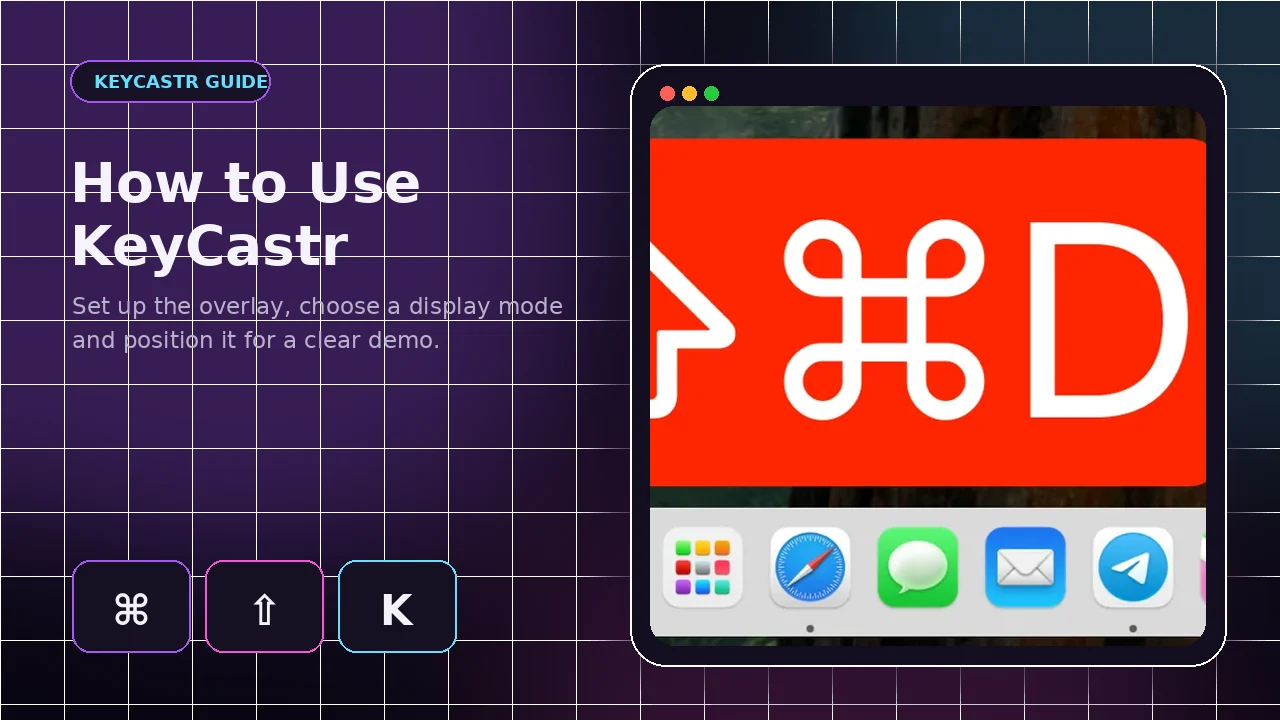
Usage Guide
How to Use KeyCastr on Mac: Complete Setup Guide
Learn how to launch KeyCastr, select a visualizer, choose which keys appear and position the overlay for clear tutorials.
Read guidePractical articles covering macOS installation, Input Monitoring, display settings, platform compatibility, GitHub source packages and common problems.
Learn how to launch KeyCastr, select a visualizer, choose which keys appear and position the overlay for clear tutorials.
Read guide
Install KeyCastr on macOS with a trusted release or Homebrew, then enable Input Monitoring and configure the overlay.
Read guide
KeyCastr is a macOS project. Learn why there is no official Windows build and how to avoid misleading download pages.
Read guide
KeyCastr does not provide a native Linux build. Understand the technical limitation and select a Linux-specific overlay.
Read guide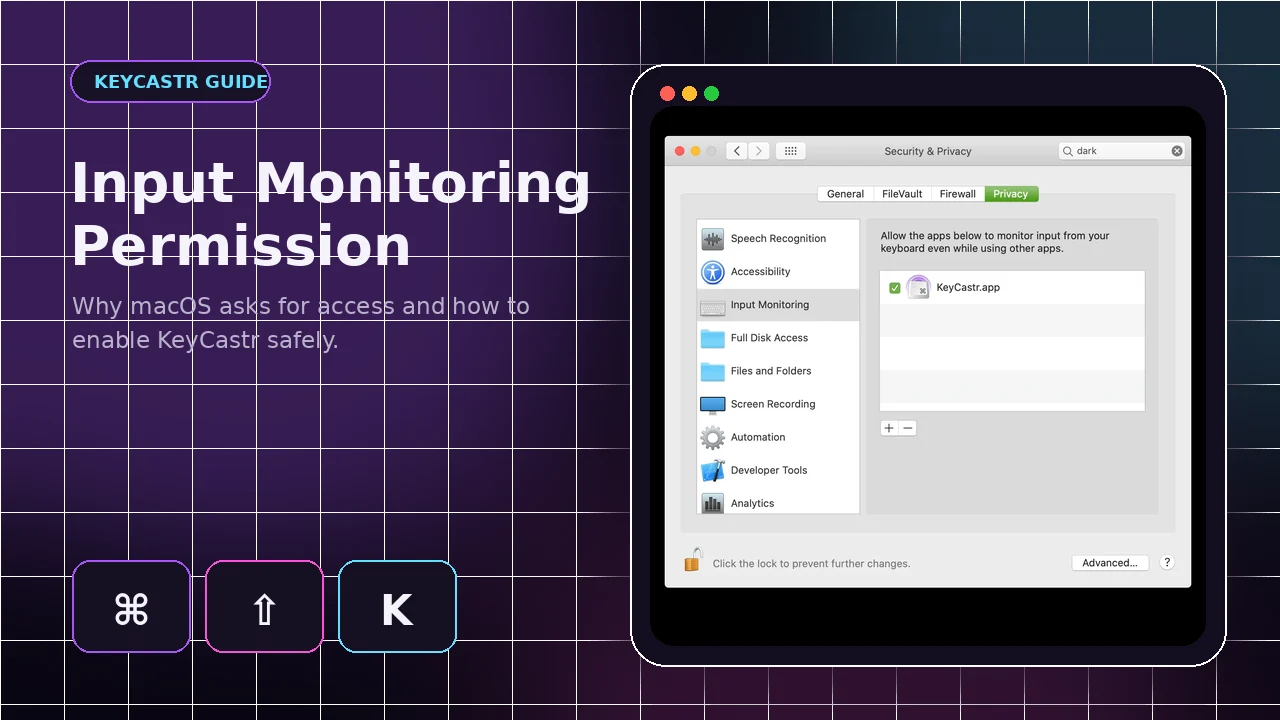
Learn why KeyCastr needs Input Monitoring, how to enable it and how to reset a broken permission entry safely.
Read guide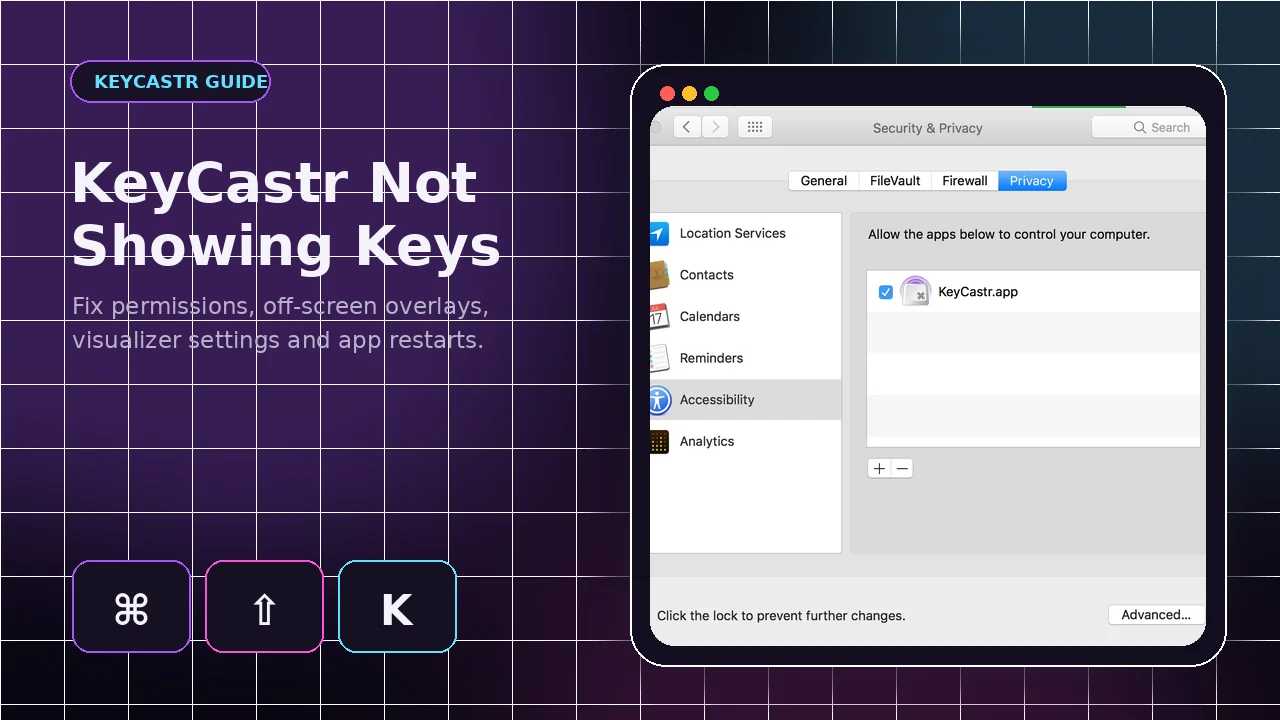
Fix missing keystrokes by checking Input Monitoring, display modes, app copies, visualizers and off-screen positioning.
Read guide
Choose a visualizer, display mode, font size, colors and timing that remain readable in videos and presentations.
Read guide
Plan a readable keystroke overlay for tutorials, OBS scenes, workshops, presentations and live coding.
Read guide
Understand what the KeyCastr GitHub main-branch ZIP contains and how it differs from a ready-to-run application release.
Read guide